

The Bankruptcy & Restructuring page in the Office provides an overview of your airline’s financial condition and options for restarting or closing the airline.
Airline closure cannot be reversed, and the closed airline cannot be restored.
Financial Health
The Financial Health tab shows a quick overview of your airline’s overall financial condition.
If the bank has issued a financial warning, the page shows the estimated time until the next review and the cash threshold that triggered the warning. The bank may take over the airline if its financial condition does not improve.
Restructuring
Restructuring is a last-resort recovery option for financially distressed airlines.
It allows you to prepare a single recovery plan to raise cash, reduce operating costs and reorganize the airline instead of closing it. Available measures can include changes to the fleet, bases, staffing, loans and pending aircraft orders. You can review the complete effects before anything is committed.
Restructuring is intended as a rare last-resort measure and, once used, is not available again until a very long cooldown period has passed. Plan carefully if you need to use this lifeline!
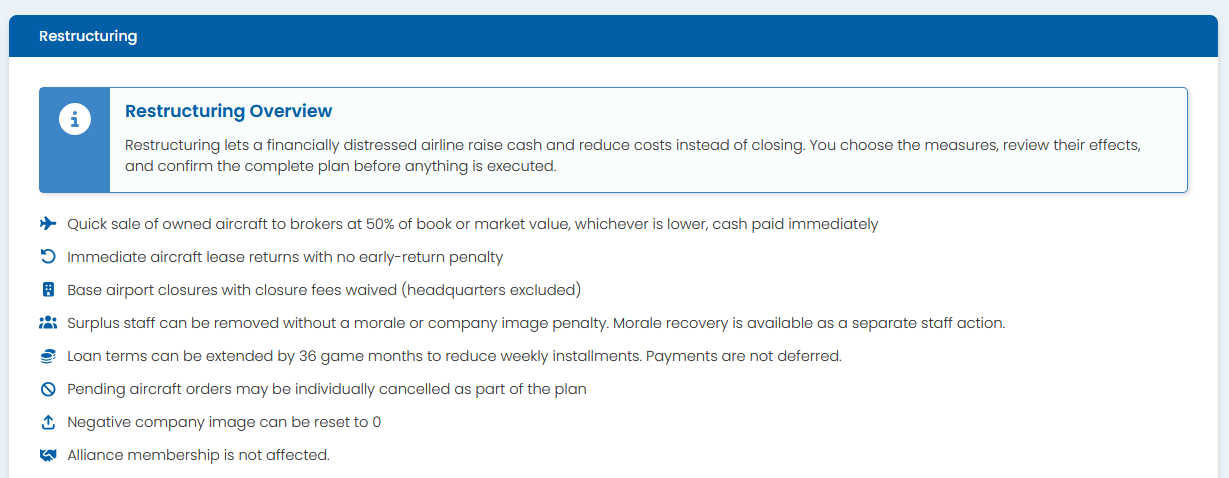
Restructuring is only available when the airline meets the required financial-distress conditions and the feature is enabled in the game world you are playing.
At the Restructuring page you will be presented with a set of options on how to arrange your airline’s current liabilities and assets. Once confirmed, the restructuring plan is executed as one operation and cannot be rolled back. After confirmation the current bankruptcy warning is cleared, and the airline enters a supervision period during which opening new bases and acquiring additional aircraft (used or new) is prohibited. A qualifying restructuring plan also provides temporary protection from a new bankruptcy warnings, giving the airline time to recover.
Restructuring is not intended to provide free money. Cash that can be raised through the restructuring tools is limited to what is needed to recover from the immediate financial crisis. A public news item is also published when the restructuring is completed.
Close & Restart
Close & Restart permanently closes the current airline and liquidates its assets, but keeps your membership in the game world active. You may then create a new airline in the same game world, and normal weekly billing continues.
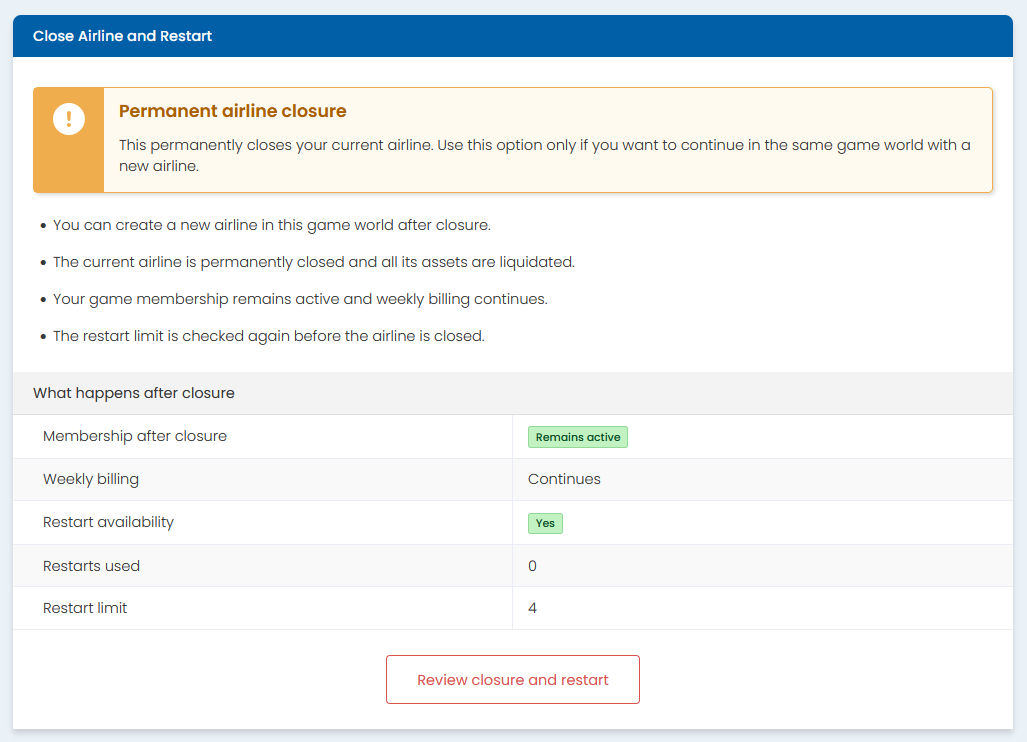
The number of restarts is limited. After reaching the limit, you may pay the normal game joining price to reset the restart counter to zero. Resetting the counter does not close or otherwise change your current airline.
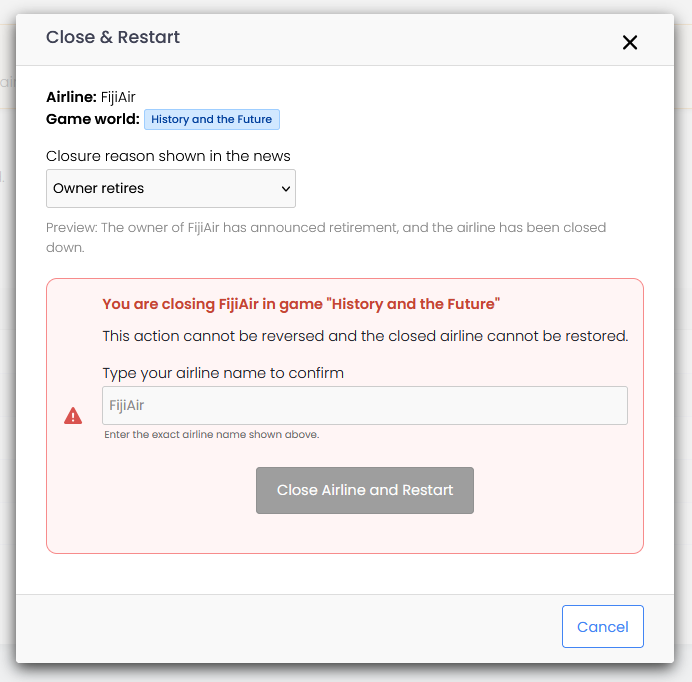
When closing down the airline you will need to explicitly confirm your request to close the airline by typing in the full name of your airline at the closure confirmation dialog. This is to prevent accidential airline closures.
Close & Leave Game
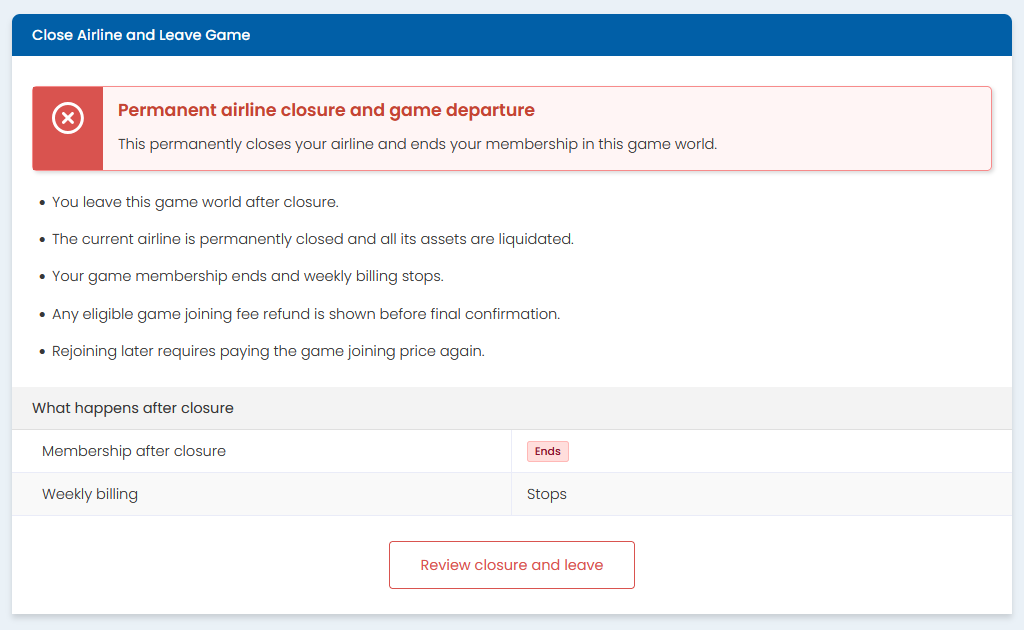
Close & Leave Game permanently closes the airline and ends your membership in the current game world.
Weekly billing stops, and any eligible Credit refund of the game joining fee is shown before confirmation. Rejoining the game world later requires paying its joining price again.
Closure announcement
When closing an airline, you may select how the closure is described in the public news item visible to other players. This selection affects only the news wording and has no effect on the closure process.